
One tap replaces the paper receipt
The NFCeipt module sits at the till. Hold your phone to it briefly and you get the receipt as a web page, without an app and without signing up.
What the receipt looks like after the tap
This is the real receipt page from our prototype, just with a made-up purchase.
- 01
Hold up your phone
Just like paying contactless, only briefly. Your phone then shows the link to the receipt.
- 02
Open the receipt
It opens in the browser, with every item, VAT, payment method and receipt number, just like on paper.
- 03
Keep it
You can save it as a PDF right on the page. If you want all your receipts in one place, there is the NFCeipt app, which is currently in testing.
Scan with your phone camera and the receipt opens on your phone. nfceipt.com/en/sample-receipt
Almost nothing changes at the till
This is how NFCeipt is meant to be connected in a shop: as a small device between the till and the receipt printer. If someone holds their phone to it, the receipt goes to the phone. Otherwise the receipt printer prints as usual.
-
Read along
The device sits between till and receipt printer, connected via USB or LAN, and reads the print data. It does not touch the till itself.
-
Make it readable
The print data becomes a receipt that looks good on a phone, in the retailer’s own layout.
-
Store
The receipt is stored on our server under its own address that nobody can guess. If the internet drops for a moment, it waits in the device.
-
Hand over
When someone holds their phone to the device, it gets exactly this link and nothing is printed. Without a tap, the device passes the print data on to the receipt printer and the receipt comes out on paper as usual.
What the shop needs
- one NFCeipt device per till
- a USB or LAN connection, just like the receipt printer
- internet to upload the receipts
- no new till software
For large chains
Large chains can also deliver the receipt straight from their till system, as a PDF or as raw data. Then there is nothing to read along.
Our housing, ready to turn
This is the design from our print files: two shells from the 3D printer, a sloped surface on top to tap, and the NFC module underneath.
- Size (W × D × H)
- 91 × 62 × 52 mm
- Housing
- two shells from the 3D printer, screwed together
- Inside
- NFC module and mini computer
- Ports
- USB, and LAN for some receipt printers
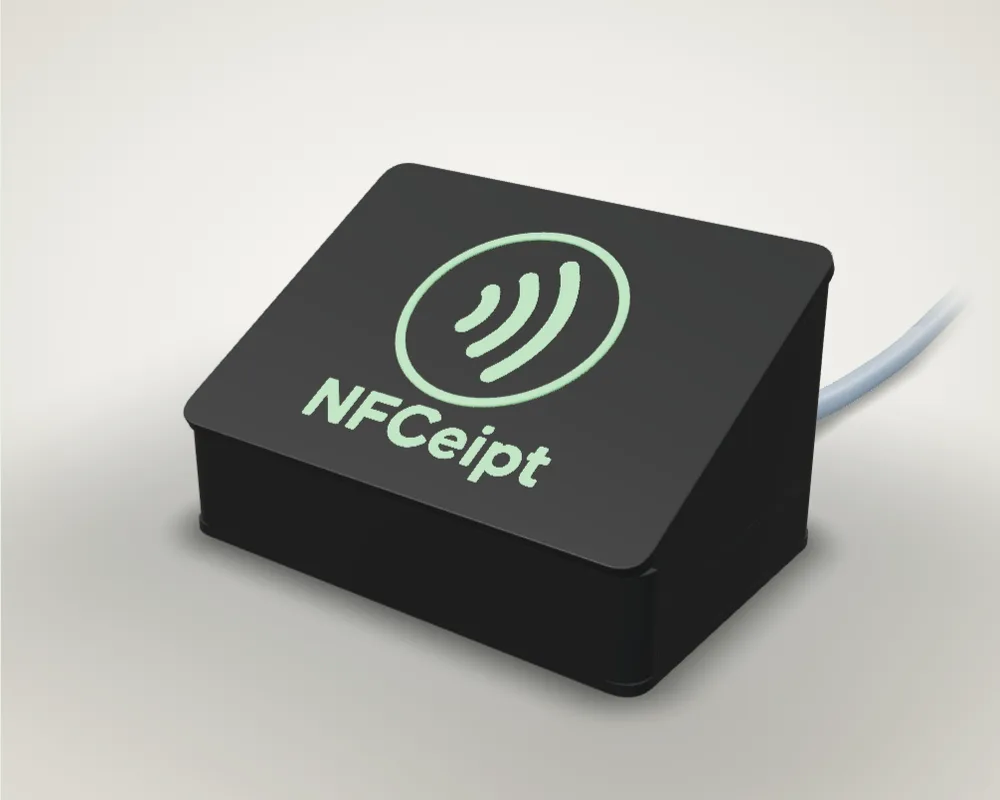
From the first setup to our own housing
What the prototype has become in six months.
-
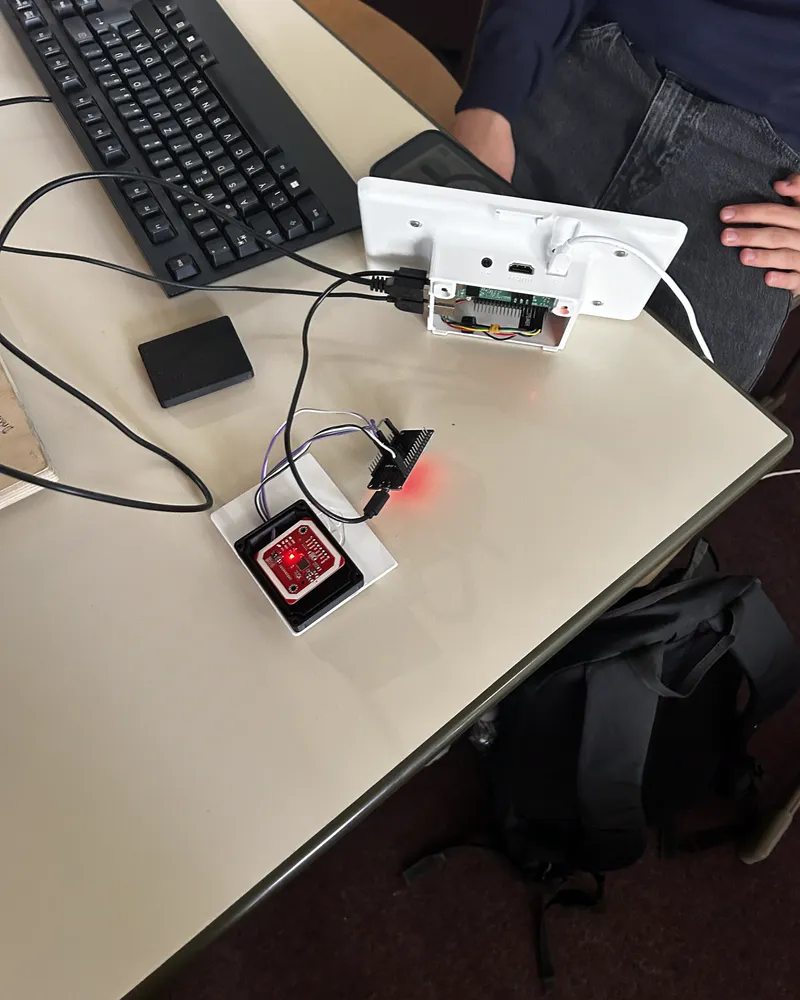
The first setup
A mini computer as the till, next to it an NFC module, cables in between. This is how the first digital receipt reached a phone.
-
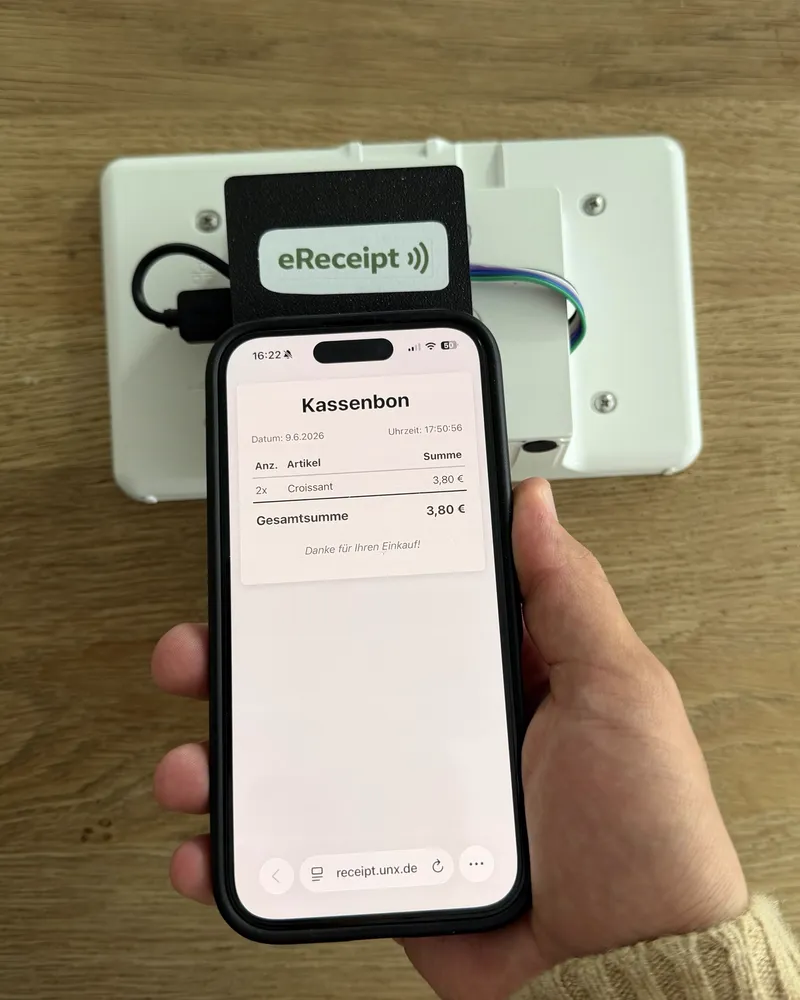
The first box
The electronics sit in a white case with a black surface in front to tap. It still carries our old name, eReceipt.
-
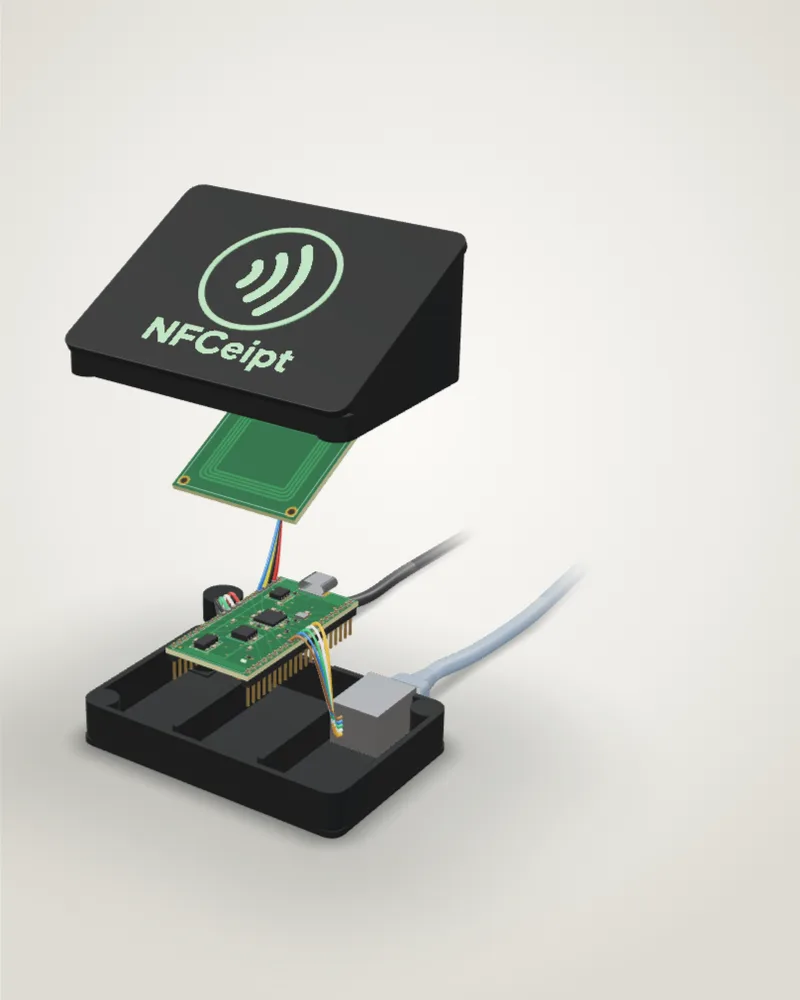
Our own housing
We design a housing made of two shells, with a sloped tap surface and room for the electronics. You can turn it further up this page.
-
Connecting to existing tills
We are finalising how NFCeipt connects to existing till systems: retrofitted between the till and the receipt printer, or for large chains straight from their till system.
-
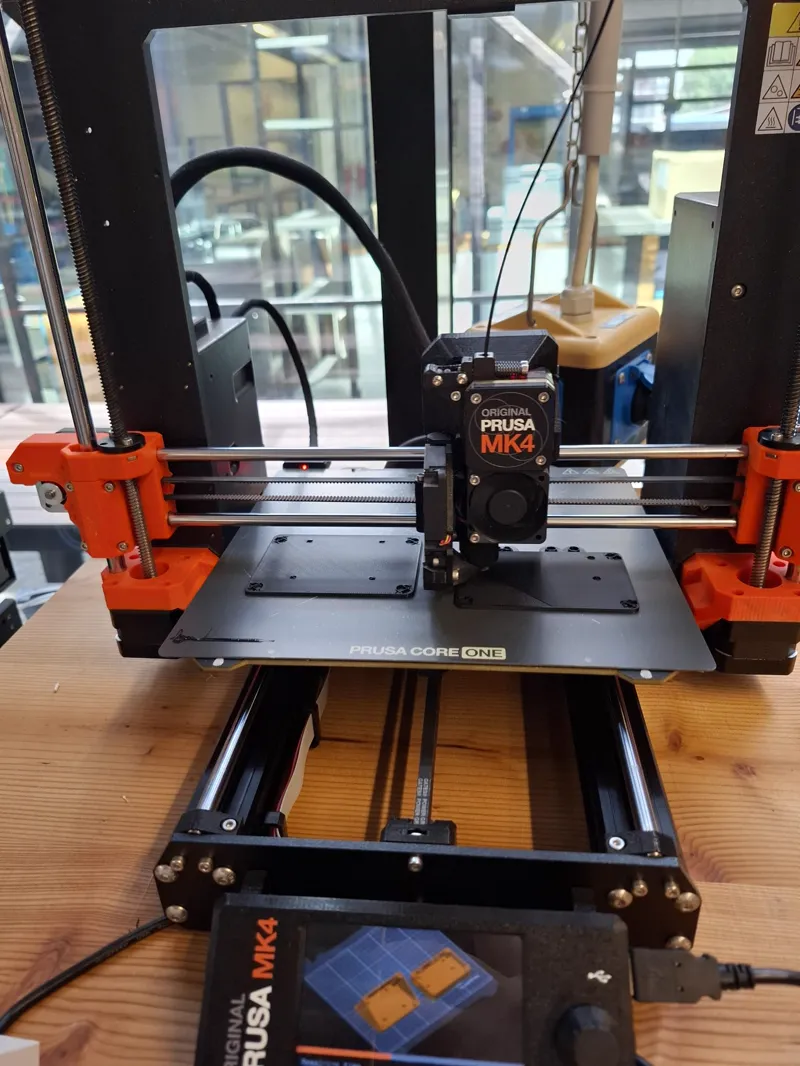
In the MakerSpace
As scholarship holders we keep working on the hardware in the UnternehmerTUM MakerSpace.
For customers
Do I need an app?
No. The receipt opens as a web page in your browser, with nothing to install and no sign-up. You can also save it as a PDF there. The NFCeipt app is an extra for anyone who wants to collect their receipts in one place and keep track of their spending. It is currently in testing.
Does it work with my phone?
With any phone that can read NFC tags: iPhones from the iPhone XS on, and Android phones with NFC switched on. It is the same radio technology as paying contactless.
What if I would rather have paper?
Then simply do not hold your phone to the device. Without a tap, NFCeipt passes the print data on to the receipt printer and you get your receipt on paper as usual.
What happens to my data?
When you tap, the device only passes a link to your phone and reads nothing from it. The receipt sits under a long random address that nobody can guess, and you do not need an account. If you add the receipt to the app, it is stored on your phone.
For retailers
Do I have to change my till system?
No. The device is plugged in between the till and the receipt printer via USB or LAN and reads the print data. Large chains can instead deliver the receipt straight from their till system.
What happens if the internet goes down?
The device keeps the receipts and uploads them as soon as the connection is back. Anyone who does not pick up the link with a tap gets the receipt on paper as usual.
Is a digital receipt allowed?
Yes. Since 2020, German law requires anyone using an electronic till to issue a receipt for every sale. It may be issued electronically if the customer agrees.
What does NFCeipt cost?
Customers pay nothing. Retailers pay once for the device and then monthly per location, depending on the number of receipts. We are happy to send you the exact prices.
When can I use NFCeipt in my shop?
Not yet. We are in the middle of founding the company, the hardware is in progress and a pilot is being planned. Join the waitlist and we will get in touch as soon as we launch.
We are refining the product. Be there early.
NFCeipt is right in the middle of being founded. Sign up and be the first to know when we launch.
Join the waitlist